See the system
at work.
One connected workspace. Thirteen complete screens. Explore how antiflex/ui brings the details together, from the first sign-in to the final checkout.
Switch navigation layouts. Make a customer record. Move a project forward. Save your preferences. Every example is a working part of the same demo.
- Navigation
- Sidebar + top bar
- Appearance
- Light + dark
- Interactions
- Working local flows
Make it your brand.
Choose a color, try both appearances, then open any example with your selection.
Brand color
Try your brand in the working example. Shades adapt to light and dark.
Your brand choice stays in this browser.
Screen thumbnails show Neutral. Your selection applies to the live example below and the working screens.
Side navigation
More room for a growing workspace.
Top navigation
The same workflow, a different frame.
Find your next starting point.
Built with the same tokens and components as the library.
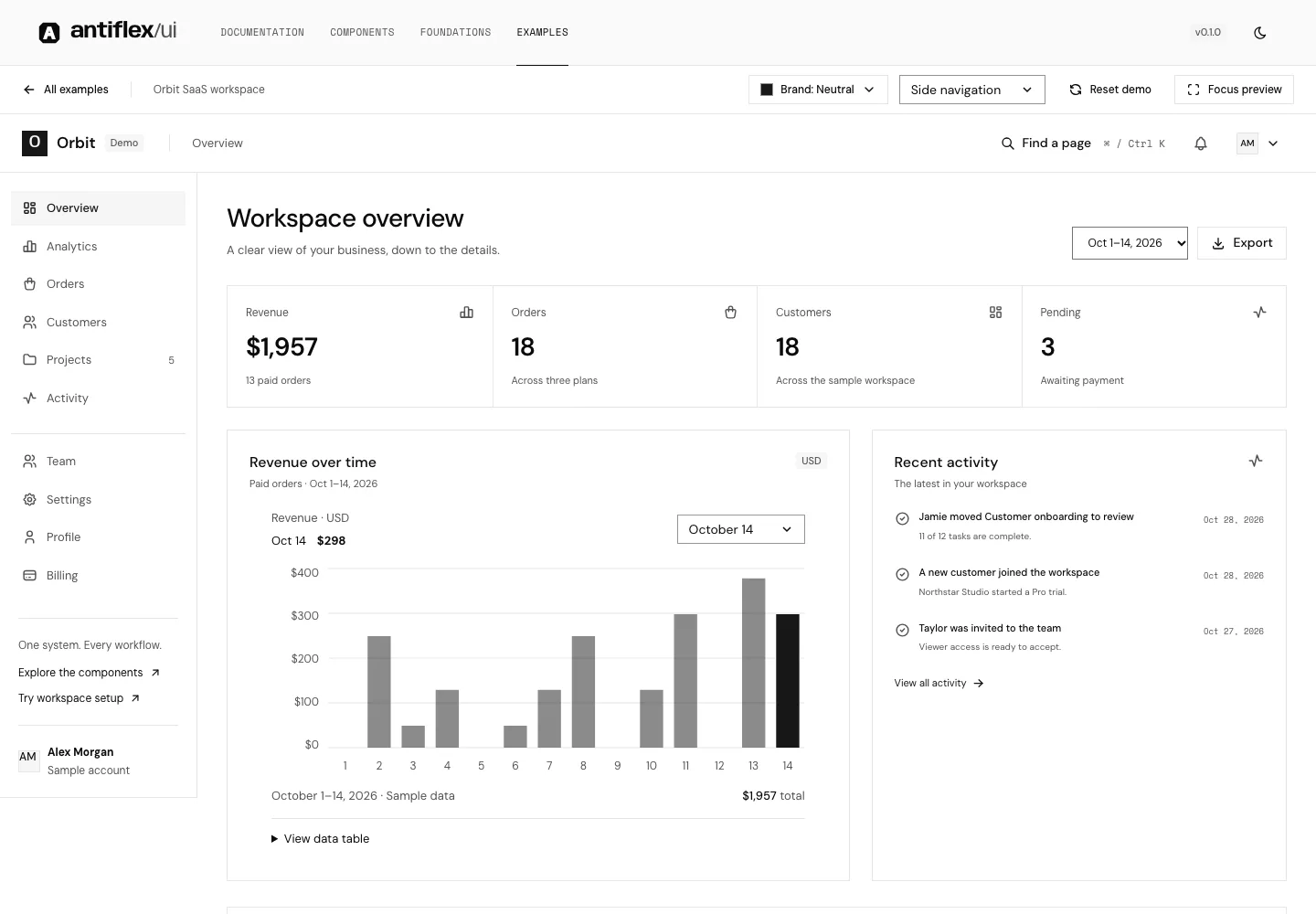
Overview
Revenue, orders, and activity in one workspace.
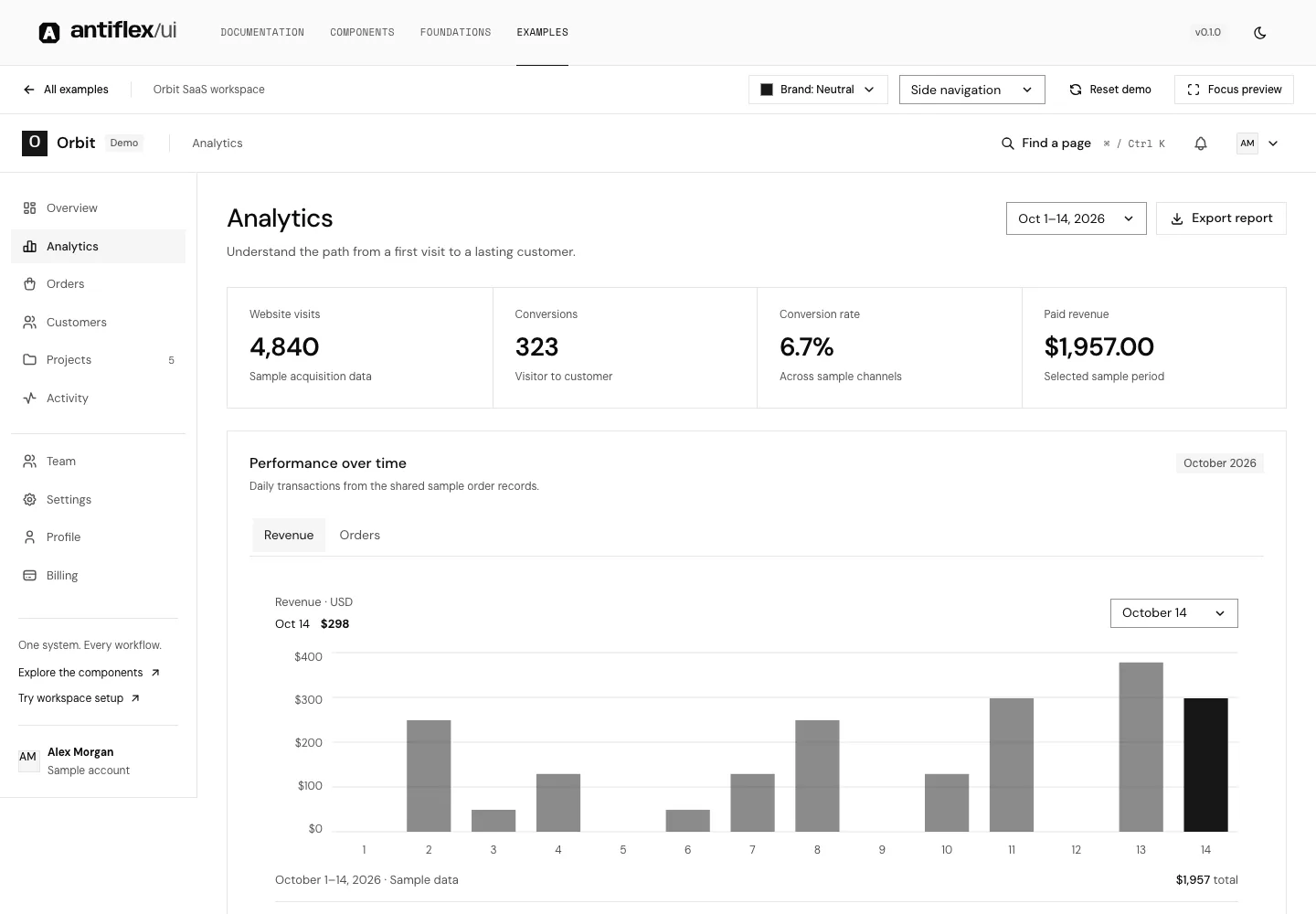
Analytics
Explore revenue trends and acquisition channels.
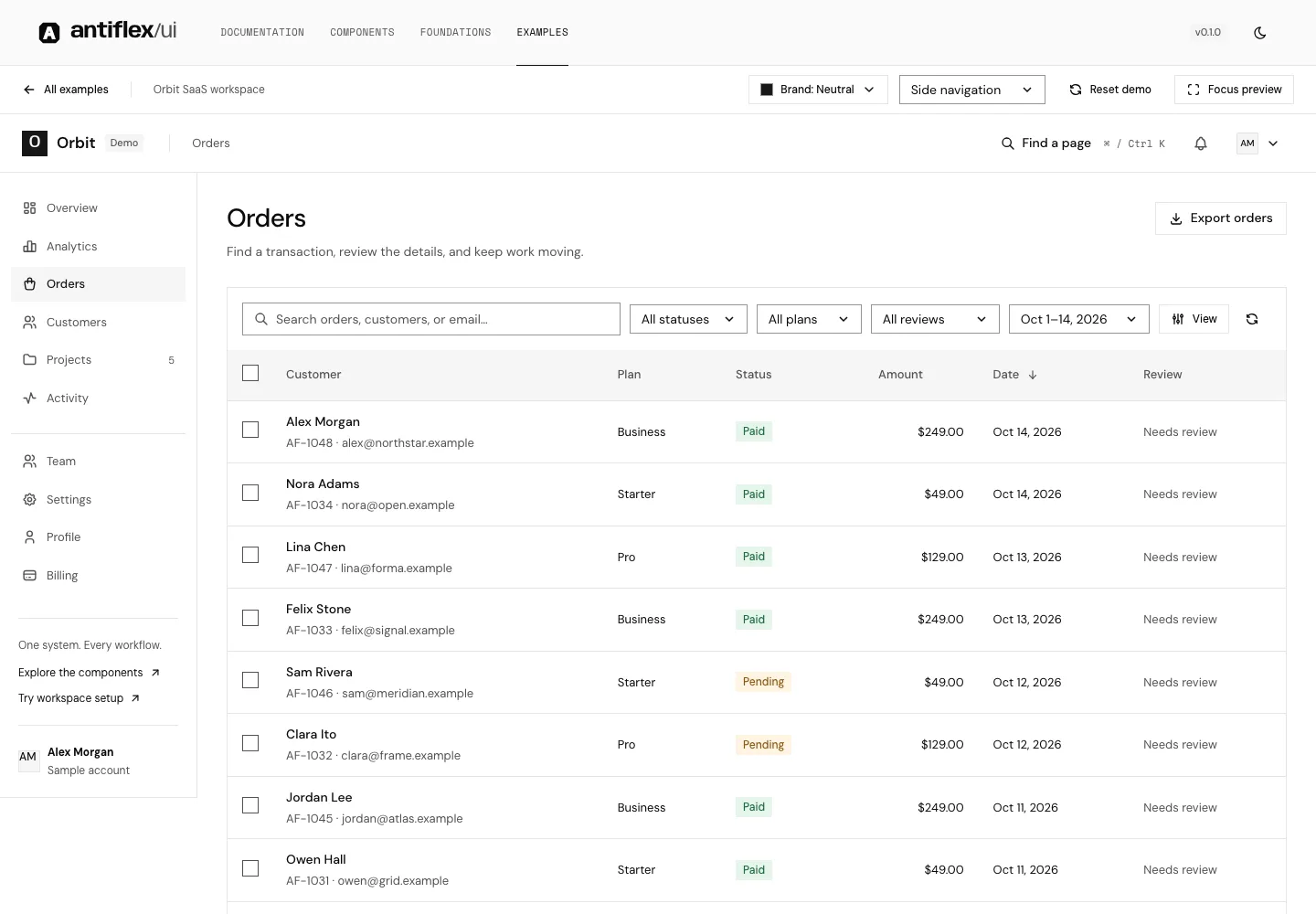
Orders
Search, sort, filter, and export transactions.
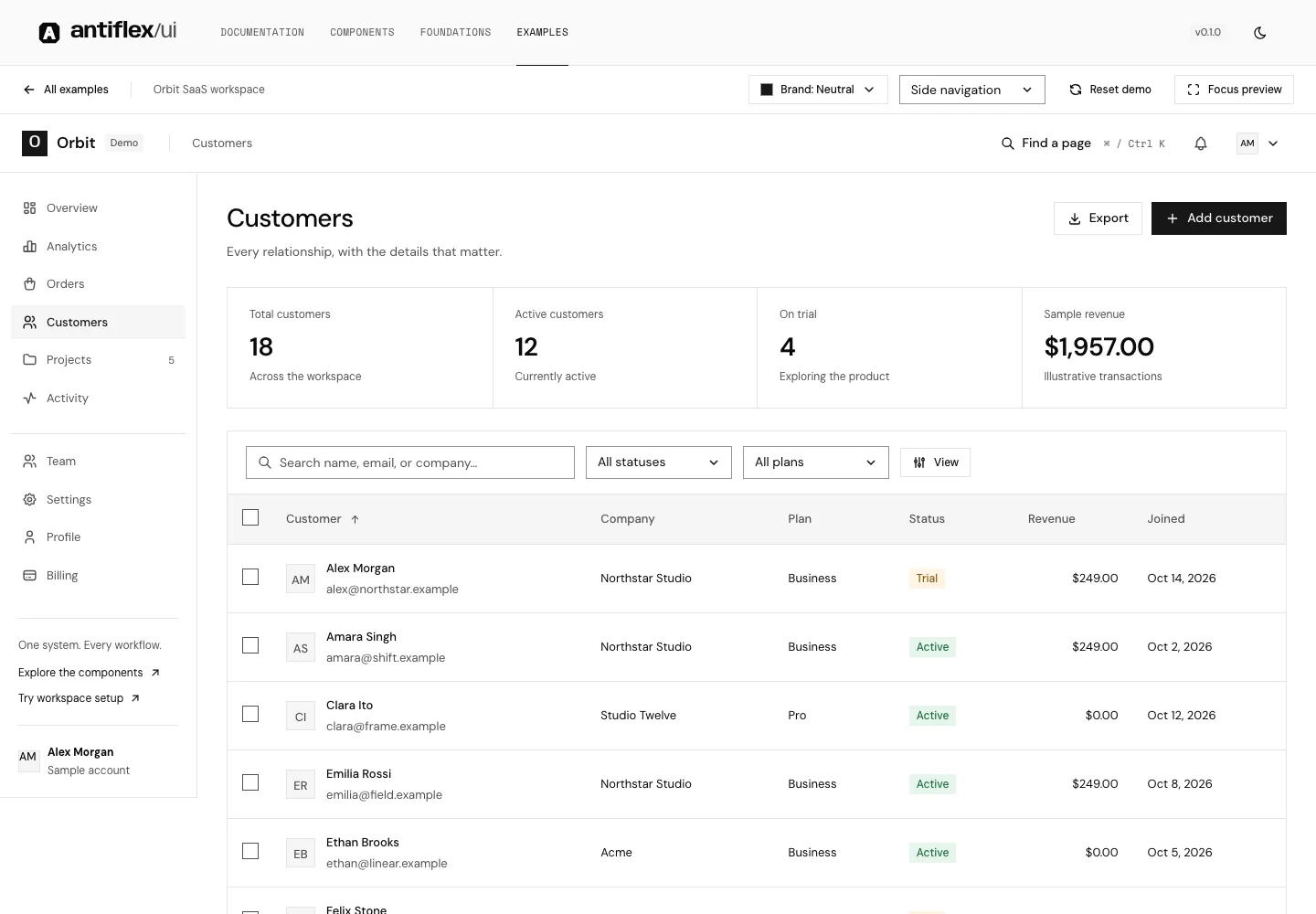
Customers
Manage relationships and inspect customer records.
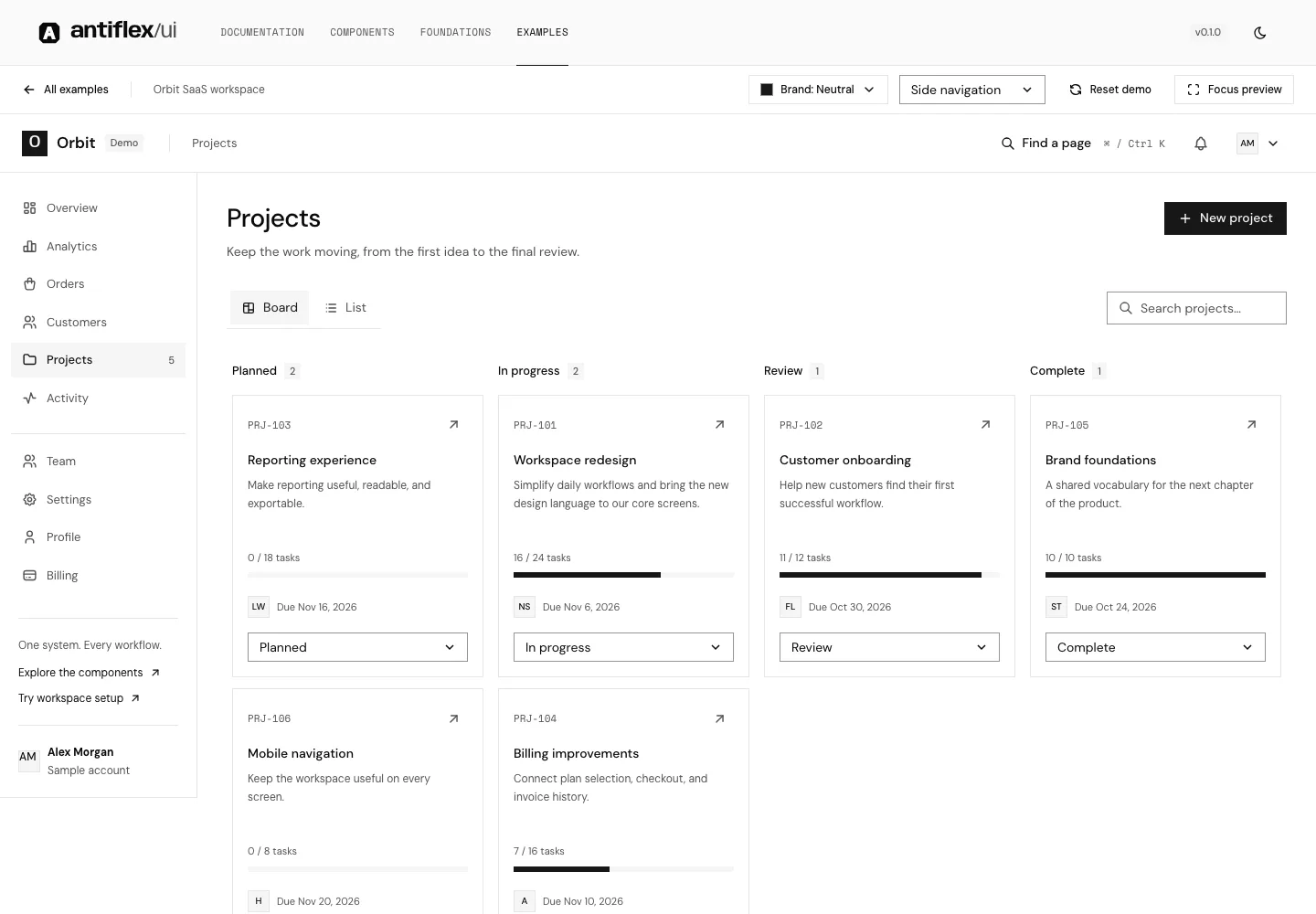
Projects
Plan work with a board and a table view.
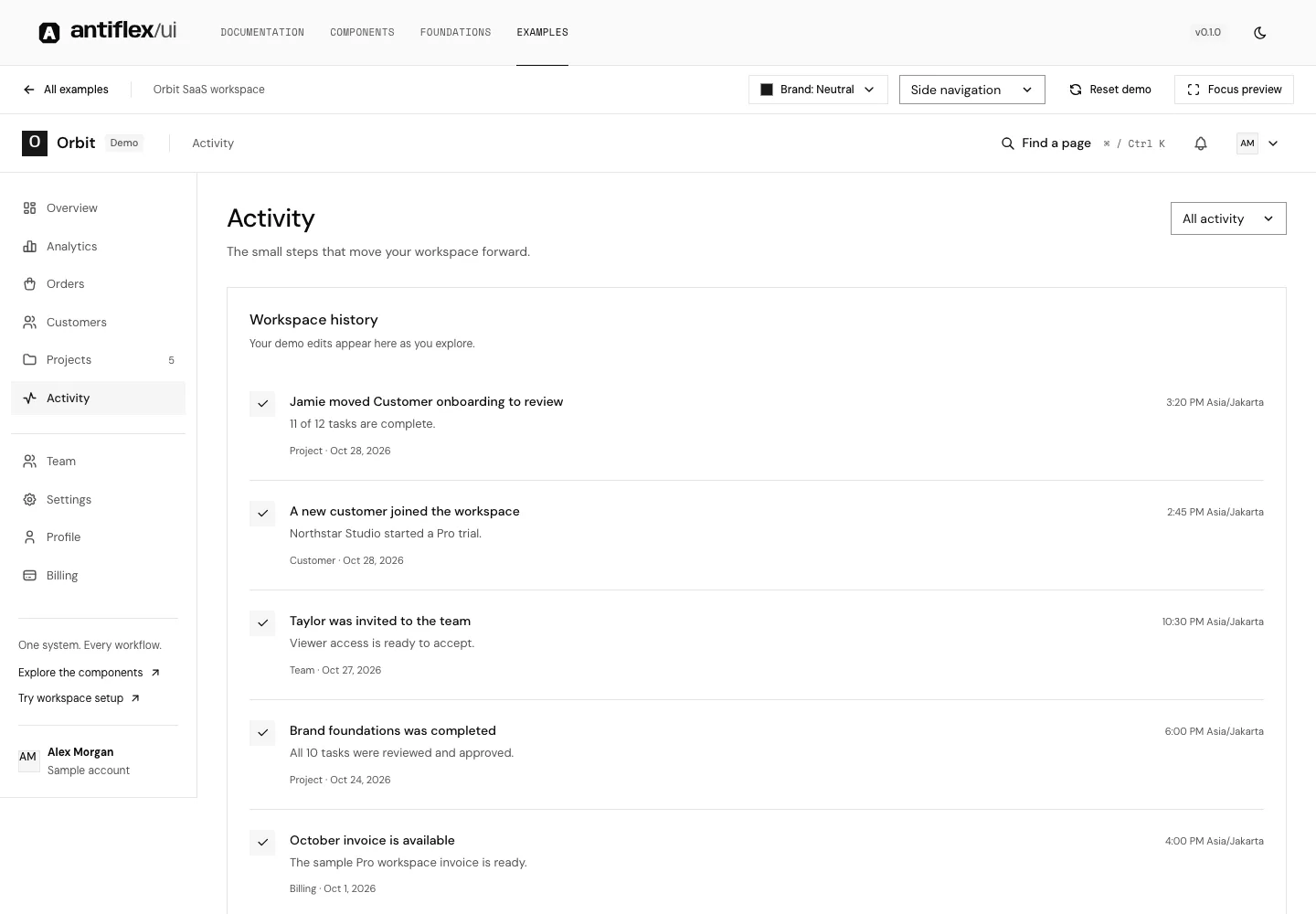
Activity
Follow changes across the sample workspace.
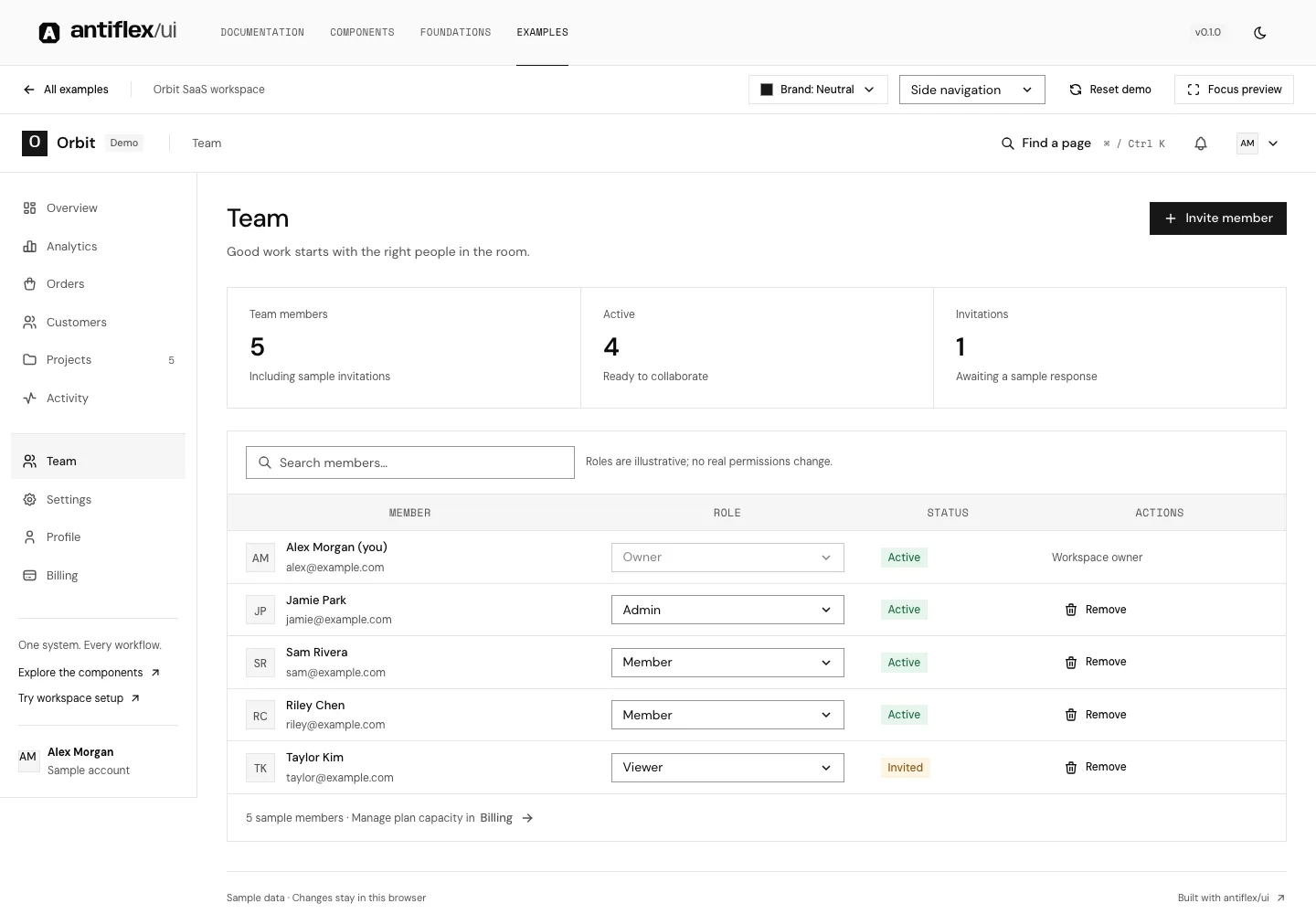
Team
Invite teammates and manage member roles.
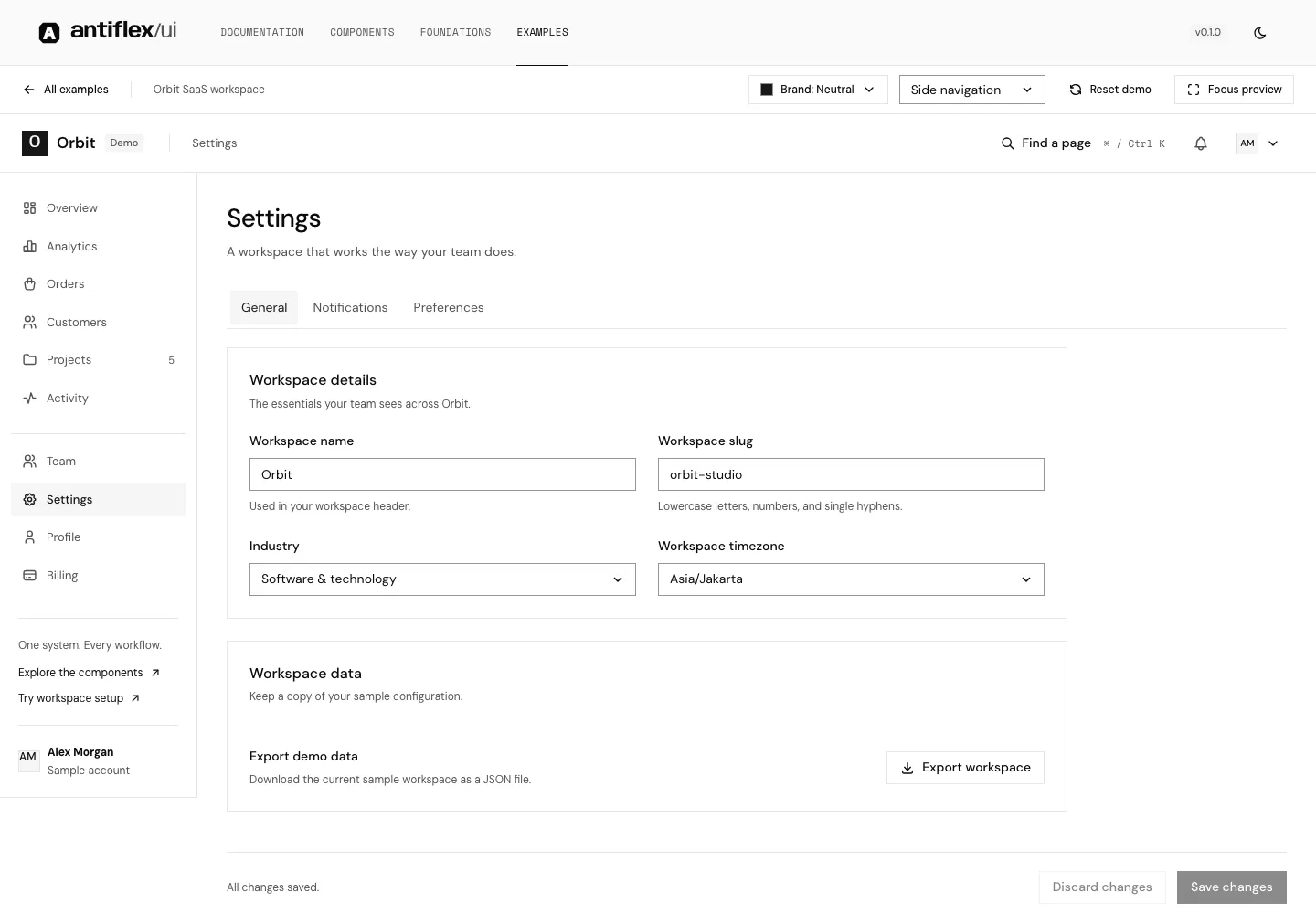
Settings
Workspace details, preferences, and notifications.
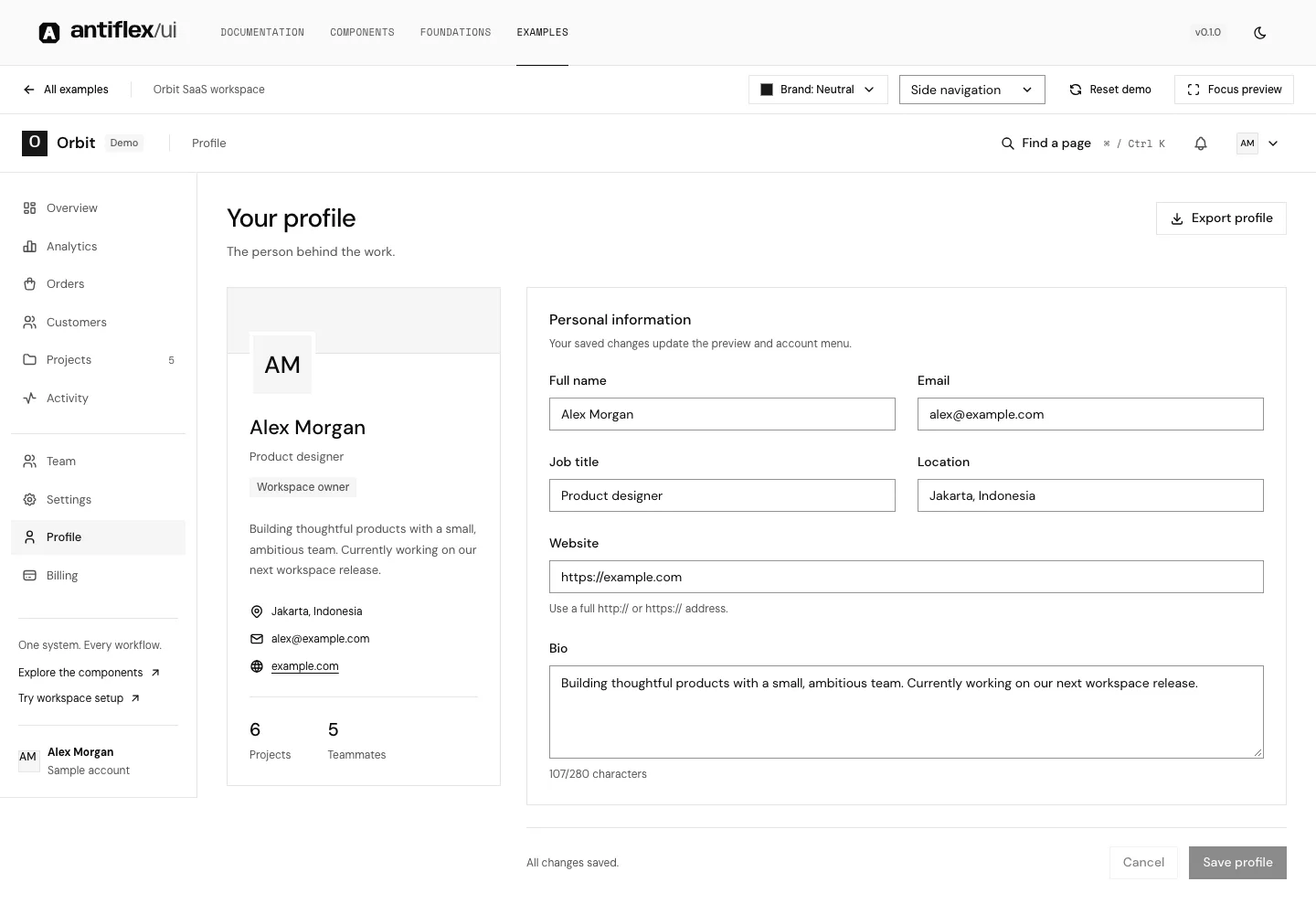
Profile
A personal profile with an editable account.
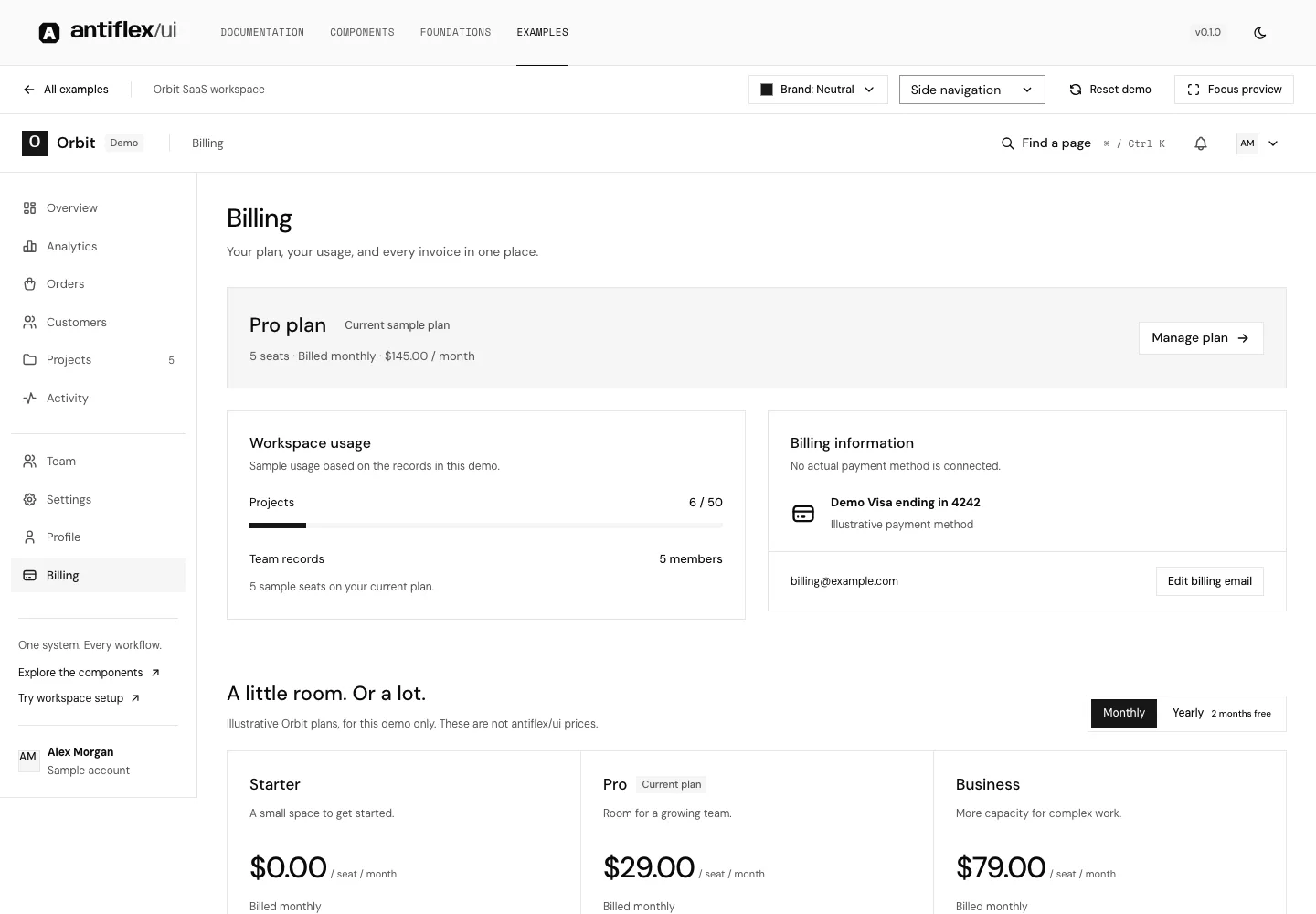
Billing
Compare sample plans, usage, and invoices.
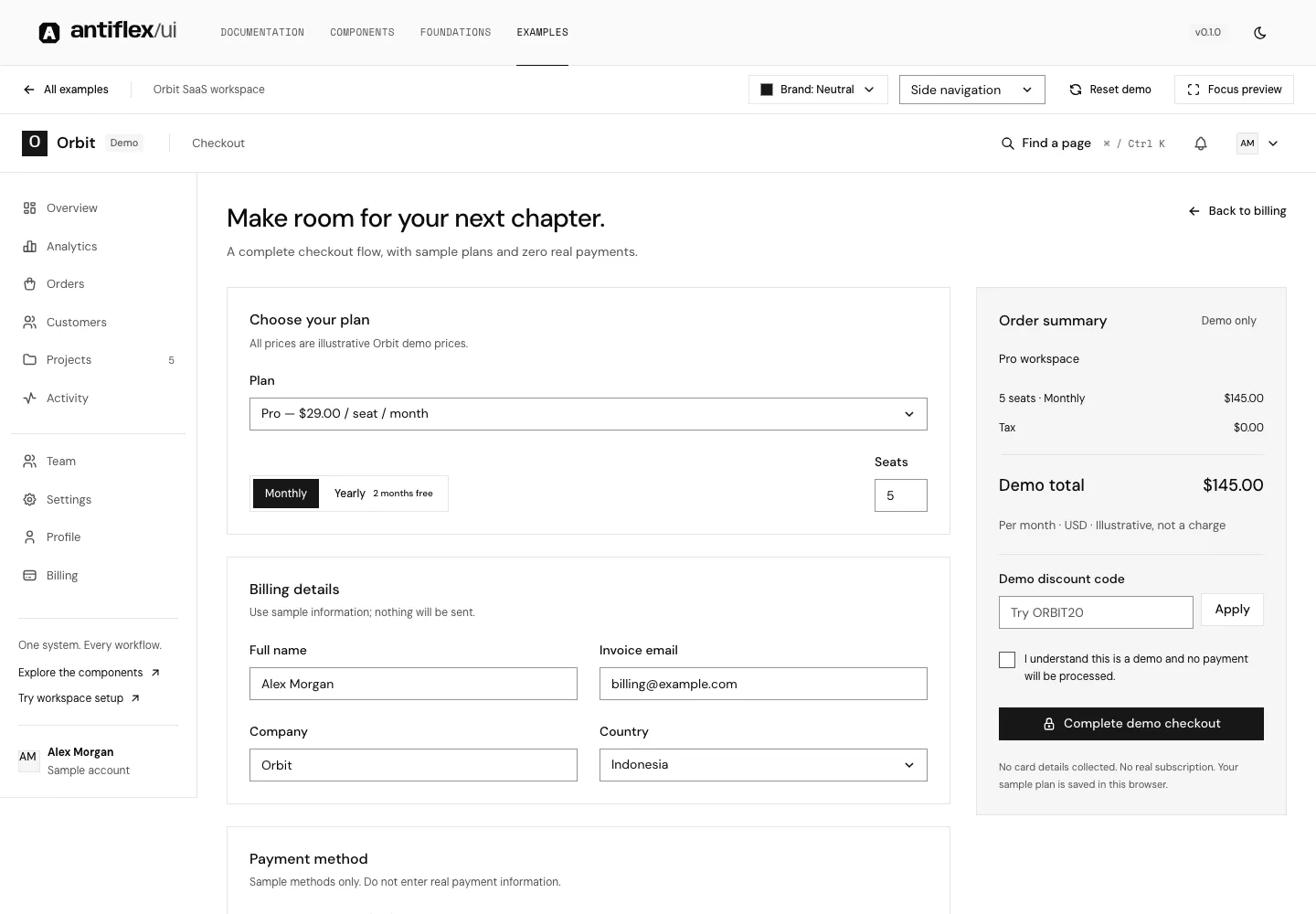
Checkout
Plan selection through a complete demo receipt.
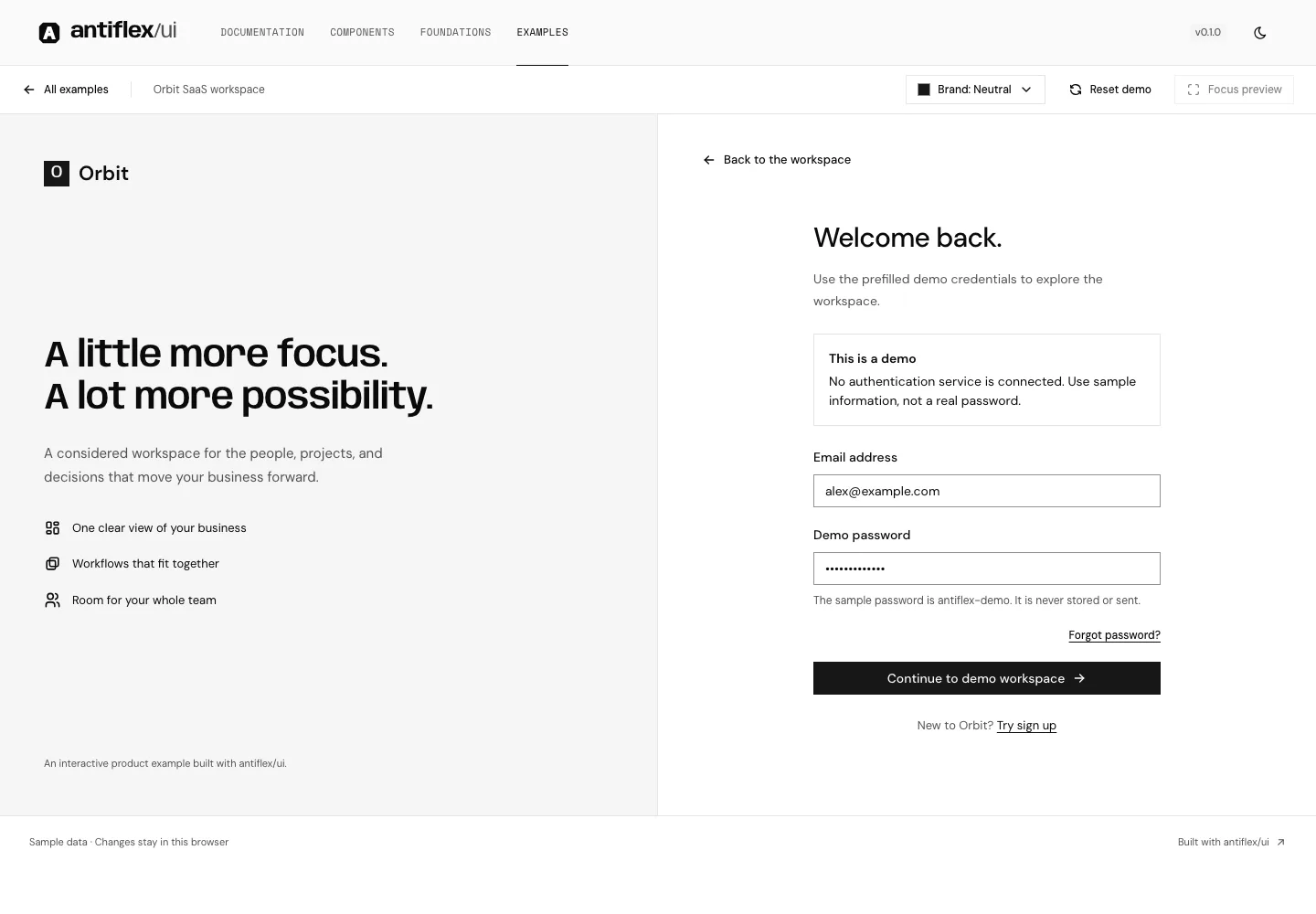
Sign in
Sign-in, registration, and password-recovery states.
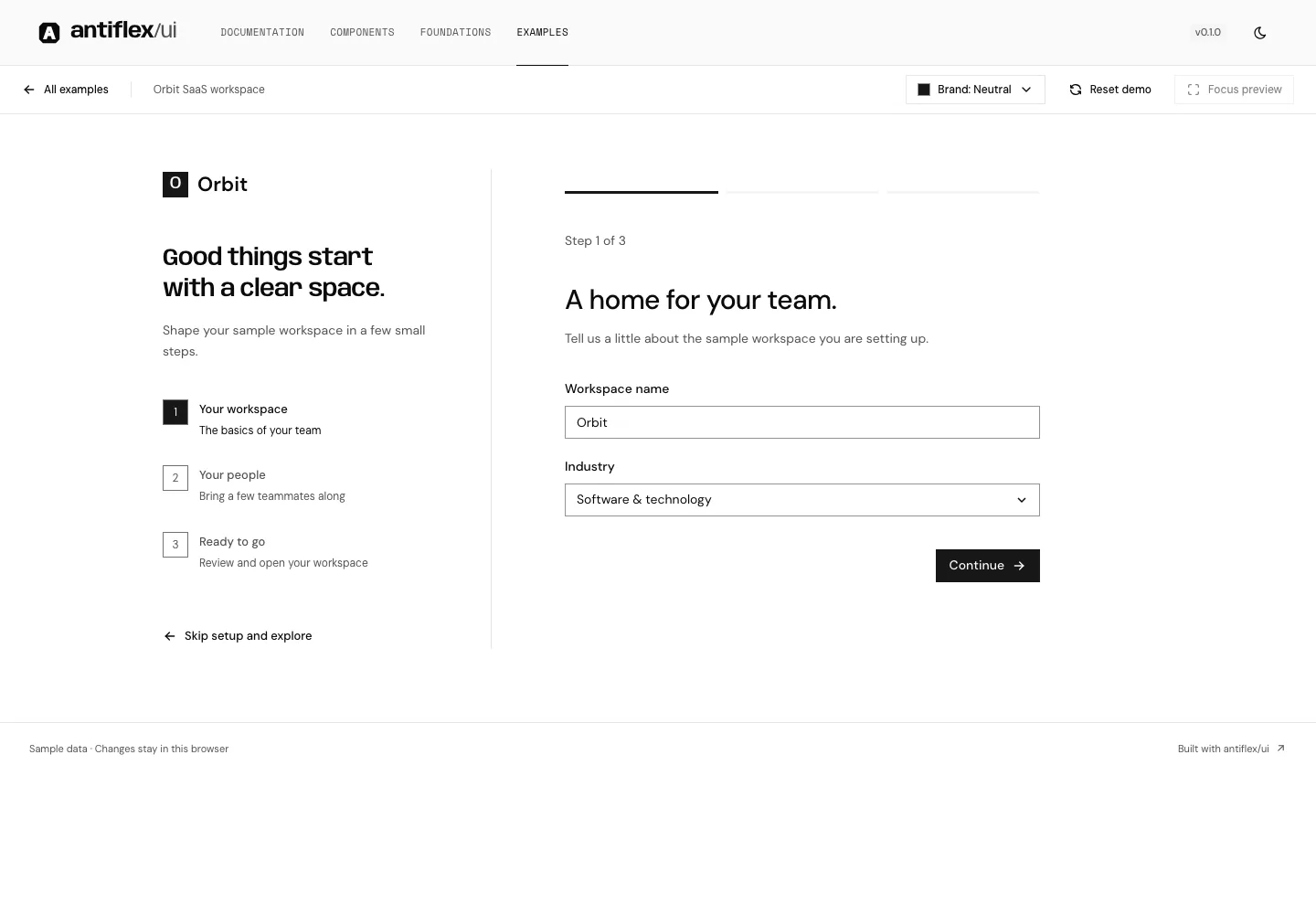
Onboarding
A guided workspace setup in three steps.
From example to your product.
These flows use original antiflex components, shared tokens, and native browser behavior. Explore the implementation, then bring your own product into the frame.